01
Observe the app
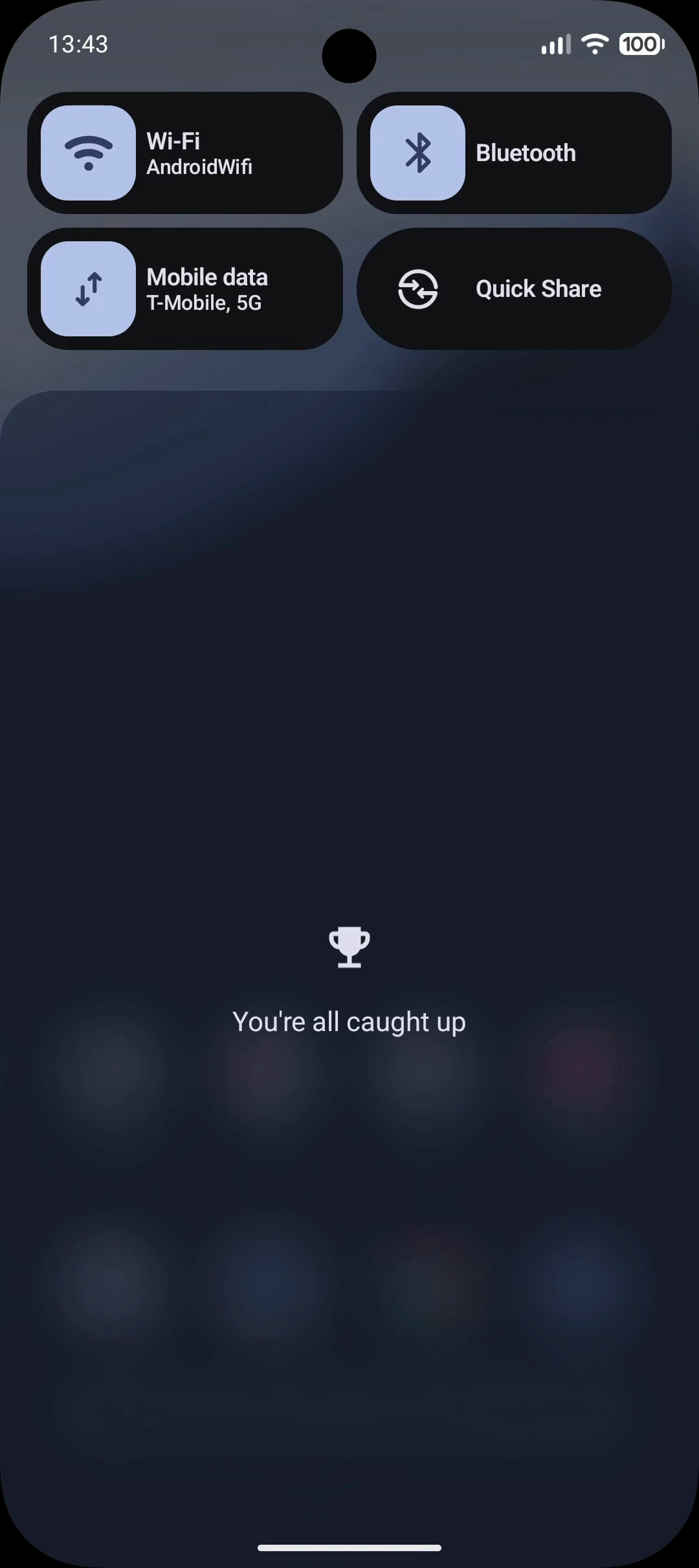
A compact accessibility tree gives the agent exact elements and references. Screenshots provide visual context when needed.
Give and any coding agent a complete interface to iOS and Android simulators.
Free & open source · iOS and Android

Demo: boot an Android device beside an iOS simulator, then shut down Android from the dock. The sequence repeats.
01
A compact accessibility tree gives the agent exact elements and references. Screenshots provide visual context when needed.
02
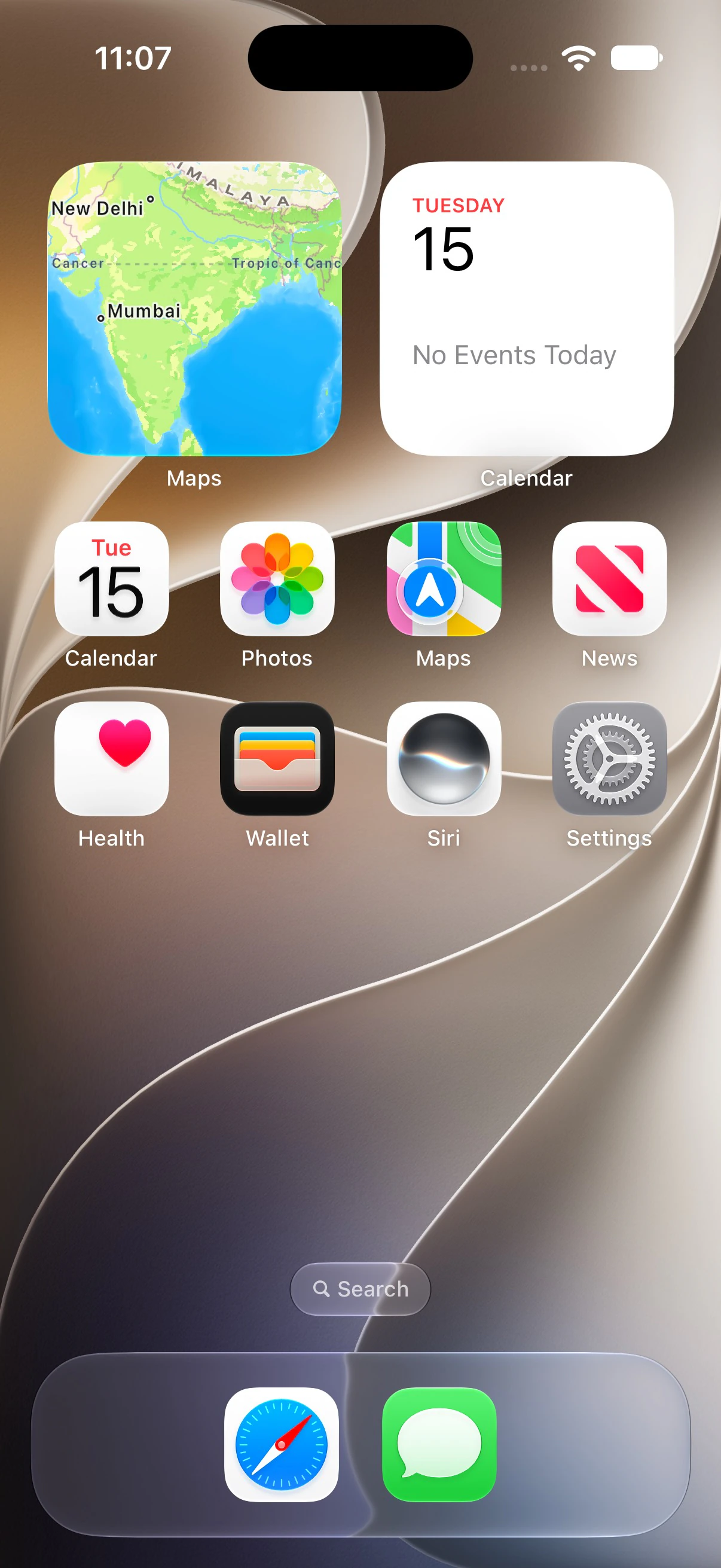
Tap, type, swipe, scroll, and long-press by element or coordinate across iOS and Android.
03
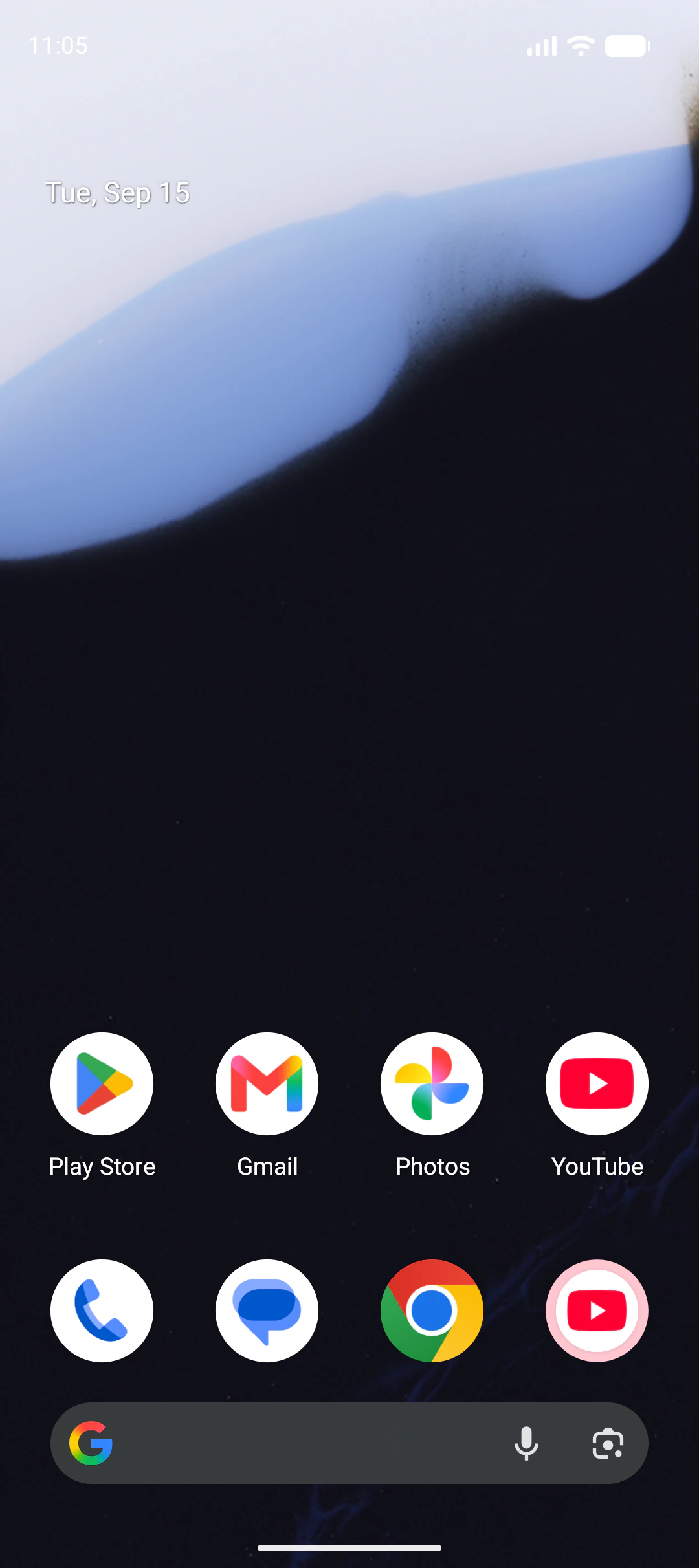
Agentsims waits for the interface to settle and returns fresh state, so the agent can choose the next action.
Developers get every running iOS simulator and Android device in one browser, with screenshots, recordings, settings, and accessibility inspection.
Give the CLI and skill to any coding agent. It can inspect, control, and verify your app through the same workspace, with React Native source context and a trace of every action.

Claude Code v2.1.272
Opus 5 (1M context) with high effort · Claude Team
~/code/agentsims




Demo: the user asks Claude Code to put iPhone 17 in dark mode, use Liquid Glass icons, then replace them with Tinted icons.
agentsims trace start. See traces.agentsims app-logs --follow.agentsims permissions grant camera.agentsims record start --out run.mp4.